| Details: |
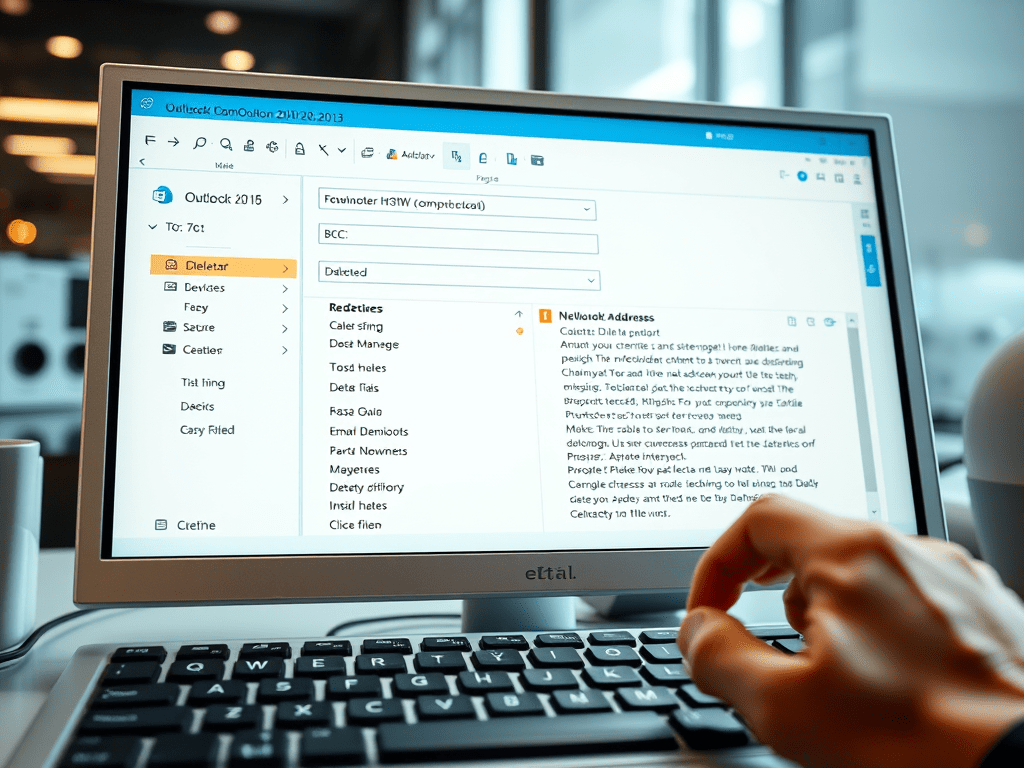
| E-mail Address Auto-Complete Outlook 2010 & Outlook 2013 have a feature called “Email Address Outlook will display a list of corresponding e-mail addresses from the |
| Solution: |
| To Clear the E-Mail Cache:
Solution 1: Manually Delete (For ALL Versions of Outlook)
1. Open Outlook.
2. Type the e-mail address you wish to clear from the cache.
3. Press the Down-Arrow button (on the keyboard) to select the e-mail address.
4. Press the Delete button (on the keyboard).
5. That e-mail entry is now removed from the Outlook Auto-complete cache.
Solution 2: Empty Auto-Complete List Button (ONLY for Outlook Versions 2010 & 2013)
1. Open Outlook.
2. Click File | Options.
3. Click on the Mail tab on the right.
4. Scroll down to Send messages and click the Empty Auto-Complete List button.
|



 My Daily Cloud Blog
Leave a comment