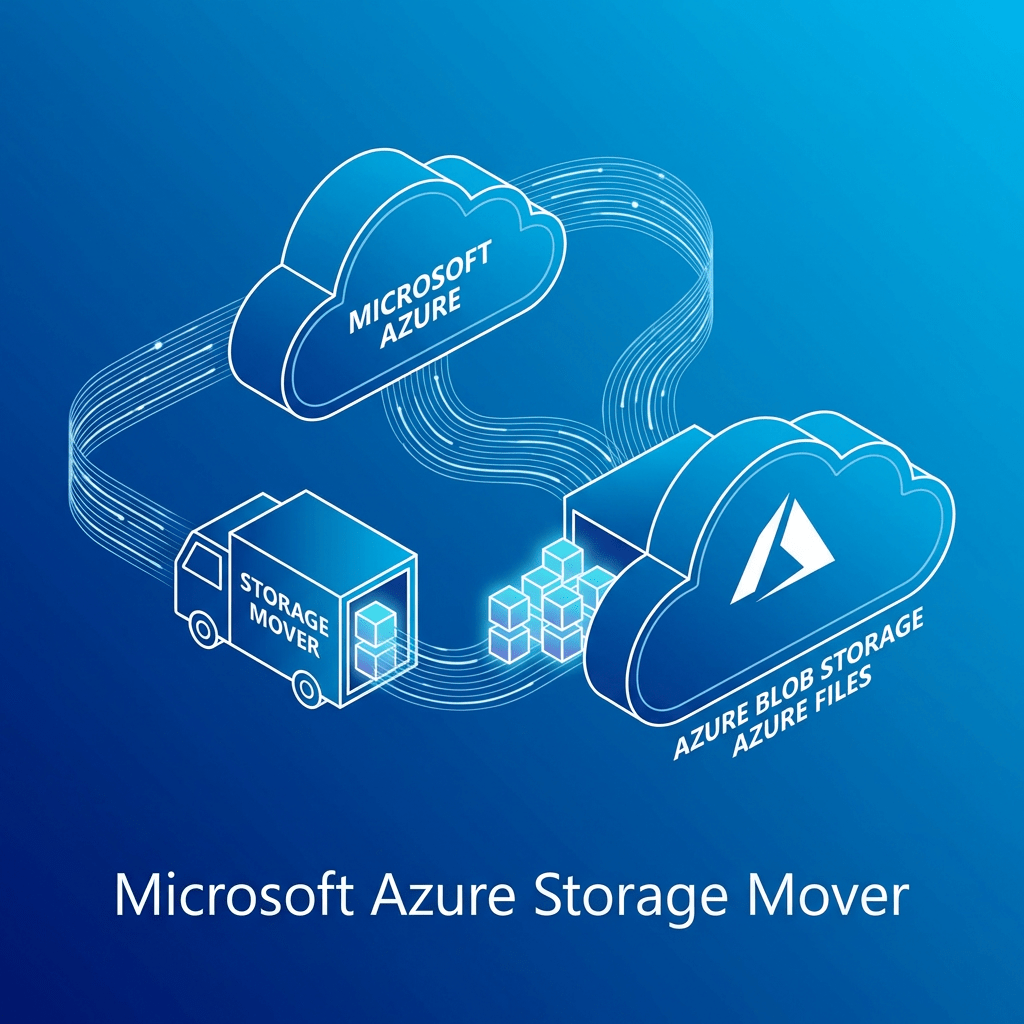
Azure Storage Mover for Cloud-to-Cloud Migration: A Real-World Infrastructure Perspective
A practical look at the technology behind Azure Storage Mover, Azure Arc multicloud connectors, Amazon S3 to Azure Blob migrations, and what matters when you’re planning this in an enterprise environment.
In real-world cloud architecture, migrations are rarely just about “moving files.” They are about identity, connectivity, governance, performance, cost control, and making sure the destination platform is ready to support the business once the data lands.
Looking at Microsoft’s approach with Azure Storage Mover cloud-to-cloud migration, what stands out to me is that it is not just a transfer utility. It is a more structured platform workflow that ties together Azure Storage Mover, Azure Arc multicloud connectors for AWS, Amazon S3, and Azure Blob Storage into a managed migration pattern.
From my experience working across infrastructure, cloud platforms, storage, and enterprise migration initiatives, that is the right way to think about this service: not as a simple copy job, but as part of a broader multicloud data movement architecture.
What Azure Storage Mover Is Really Doing
Microsoft’s documented workflow for this scenario focuses on securely migrating data from Amazon S3 to Azure Blob Storage. The design depends on Azure Arc multicloud connectors for AWS to simplify authentication and resource management for resources that live outside Azure. In practice, that means Azure is establishing controlled visibility into the AWS-side storage resources before you define endpoints and run migration jobs. :contentReference[oaicite:1]{index=1}
Architecturally, I like this approach because it introduces a more enterprise-friendly control plane. Instead of treating AWS as a disconnected external source, Azure brings it into a governance-aware model using Arc integration. That matters when you’re dealing with production datasets, audit expectations, and repeatable migration workflows.
Core Technologies Used in This Migration Pattern
1. Azure Storage Mover
This is the orchestrator for the migration workflow. It is the Azure-native service that defines and runs the movement of data between source and destination endpoints. In a real environment, this becomes the operational layer where teams manage jobs, endpoints, and transfer activity.
2. Azure Arc Multicloud Connector for AWS
This is one of the most important pieces of the whole design. Microsoft’s process requires creating a multicloud connector for AWS, adding an Inventory solution first, and then adding the Storage – Data Management solution. That sequence is important because it reflects how Azure first discovers and manages the AWS-side resources before using them for migration operations. :contentReference[oaicite:2]{index=2}
3. Amazon S3 as the Source
On the source side, this pattern is built specifically for Amazon S3 buckets. That makes sense for organizations exiting or reducing dependency on AWS storage tiers, consolidating data into Azure analytics ecosystems, or supporting Azure-centric application modernization.
4. Azure Blob Storage as the Target
The destination is Azure Blob Storage, configured as a target endpoint in the Storage Mover workflow. For many enterprises, that destination is not just a landing zone — it is the front door to downstream data services, analytics platforms, archive strategies, and application integrations.
Why This Technology Stack Makes Sense from an Enterprise Perspective
From an engineering standpoint, this is the kind of design I appreciate because it separates the migration into clean layers:
- Control plane: Azure Storage Mover + Azure Arc
- Source platform: Amazon S3
- Destination platform: Azure Blob Storage
- Execution model: defined source/target endpoints and migration jobs
That separation is useful because enterprise migrations usually fail when everything is handled as one giant opaque process. When the platform forces you to define connectors, endpoints, permissions, and workflows separately, it becomes easier to troubleshoot, secure, and operationalize.
In my experience, that kind of structure is especially valuable in hybrid and multicloud environments where different teams own AWS, Azure, networking, identity, and storage operations. A service like this gives you a repeatable way to coordinate those responsibilities.
Security Considerations I Would Focus On
Security is where this migration pattern becomes more than just a technical convenience. Microsoft notes that the cloud-to-cloud feature securely transfers data by limiting S3 access to trusted Azure IP ranges over the public internet, while also noting that private networking is not currently supported.
For me, that immediately tells you what to validate before production use:
- Tight AWS-side permissions and limited connector scope
- Review of which AWS regions and services are included in discovery
- Strong Azure RBAC for Storage Mover and Arc resources
- Storage account hardening on the Azure side
- Logging, monitoring, and activity tracking across both clouds
- Data classification review before migration begins
Important Operational Realities
Microsoft also documents several limits that are worth calling out early in project planning:
- Each migration job supports up to 500 million objects
- A maximum of 10 concurrent jobs per subscription is supported by default
- Objects in AWS Glacier or Deep Archive must be restored before migration
- Automatic rehydration of archived objects is not supported
- Private networking is not currently supported for this feature
These are the kinds of details that matter in enterprise planning. If you are moving a large-scale dataset, especially one that has mixed storage classes, you need to model the job sequencing, restoration timelines, and operational windows before anyone clicks “Start migration.” :contentReference[oaicite:4]{index=4}
How I’d Frame the Implementation in a Real Project
Based on the workflow Microsoft documents, the practical implementation path looks like this:
- Deploy the Azure Storage Mover resource
- Create the Azure Arc multicloud connector for AWS
- Add the required Inventory solution first, then Storage – Data Management
- Use the provided authentication template workflow to establish the AWS-side configuration
- Create the AWS S3 source endpoint
- Create the Azure Blob target endpoint
- Build and execute the migration job
I like this pattern because it is clear, staged, and easy to map to change control. It is also compatible with how enterprise teams actually operate: validate connectivity, confirm permissions, scope source data, prepare the target landing zone, and only then begin moving data. Microsoft’s article also provides Azure portal, PowerShell, and Azure CLI options for endpoint creation, which is useful depending on whether your team prefers GUI administration or automation-driven deployment. :contentReference[oaicite:5]{index=5}
Business Benefits Beyond the Migration Itself
The obvious value is the ability to move data from AWS to Azure. But the bigger business value is what this enables afterward:
- Consolidation into Azure-native storage and analytics services
- Reduced operational complexity when standardizing around Azure
- Improved governance visibility through Azure-managed workflows
- Cleaner alignment with modernization, archive, or AI/data platform strategies
- More repeatable migration operations for future waves
In other words, the service matters not just because it copies data, but because it can serve as part of a broader platform transition strategy.
My Take
From my perspective, Azure Storage Mover’s cloud-to-cloud capability is most valuable when used as part of a disciplined multicloud migration plan. The technology stack behind it — Azure Storage Mover, Azure Arc for AWS, Amazon S3, and Azure Blob Storage — shows that Microsoft is thinking beyond simple transfer tools and moving toward a more governed migration framework.
For cloud and infrastructure teams, that is the real story here. The service is not just about moving objects from point A to point B. It is about creating a managed, secure, and operationally clean path for cross-cloud data migration.
Final Thought
If your organization is evaluating how to move data from AWS into Azure in a way that is more structured than ad hoc scripts and manual copy jobs, Azure Storage Mover is worth a serious look.
Follow Daily Cloud Blog for more practical infrastructure, cloud migration, Azure, AWS, and enterprise architecture content.


 My Daily Cloud Blog
Leave a comment