-
Creating a Shared Mailbox
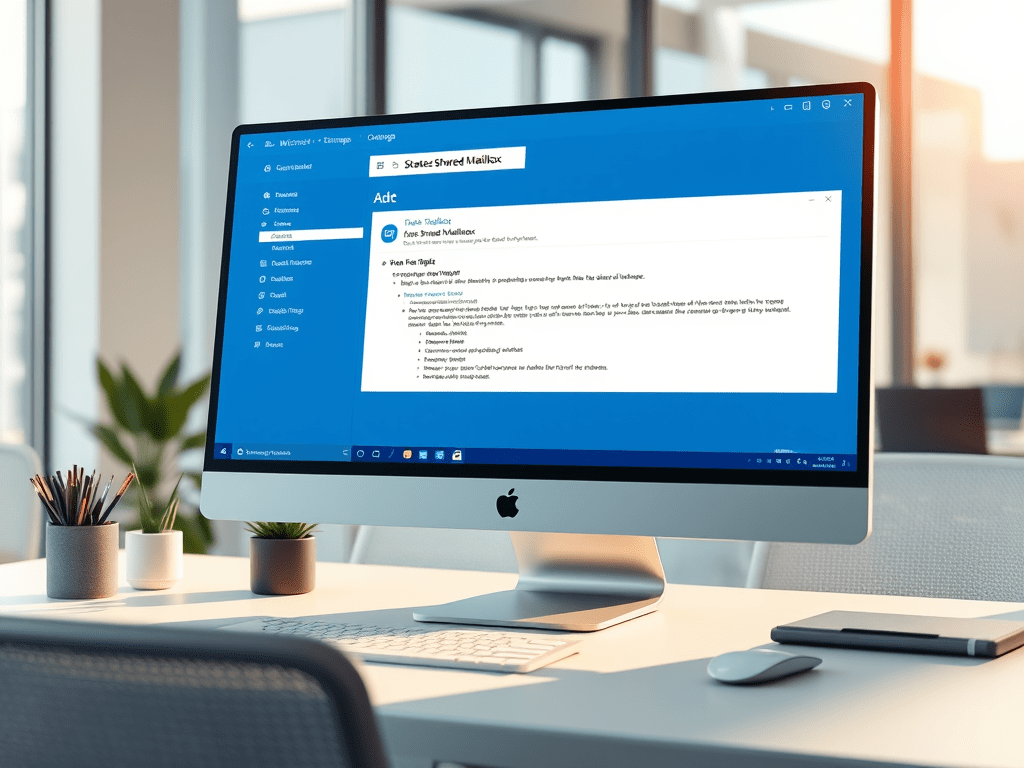
Recently I was implementing a Fax solution and one of the requirement was to create a Shared Mailbox for Inbound Faxes. If you go to the Exchange Management Console and try to add it from there, you never will find it there. The only way to do so is by running a simple Powershell command:
New-Mailbox “Mailbox Name” -Shared -UserPrincipalName emailaddress@contoso.com
Copy this command but remember to replace the Mailbox Name with the name you decide for the Shared Mailbox and the SMTP Address on emailaddress@contoso.com. This will create also a generic account on Active Directory under the Users Container and it will be disable. Please, do not enable the service account since don’t need to.
-
Moving Cluster Group for Exchange 2010

In some environment, Moving the DAG from one server to the other is necessary for numerous reasons and one of the task involve is moving the Cluster Group to the active server. Here’s is the how to:
1. login to the Exchange Server that you want to set as active for the Cluster Group
2. Open the Command Prompt with the run as administrator
3. Type the following command
cluster group “Cluster Group” /move
4. Then go to EMC and move the Mailbox DB
5. Finish
I usually perform this process when the DAG failover to the other exchange server or I loose the server where the file witness reside since it does it on a different server from the Exchange Servers.
Home
1–2 minutes

